


This is your monthly reminder that at marimo, we’re
building a next generation Python programming environment for
researchers, educators, and engineers.
It’s all free and open source: just pip install marimo or uv add marimo to get
started!
You’re reading the 22nd marimo newsletter. In this newsletter, we’ll go over features we’ve shipped in marimo open source and molab, and give several community updates.
Features. Since the last newsletter, we shipped PDF exports in both marimo open source and molab, improvements to our anywidget integration, a JupyterHub extension, and more. We’ve also made several performance improvements to molab.
Community. We’re committed to helping educators, researchers, and engineers adopt marimo. This month, we helped launch the online version of the Modern AI Course with CMU professor Zico Kolter (learn to train an LLM from scratch!), and we’re recreating machine learning research papers in partnership with alphaXiv. We’ve also seen some awesome usage of marimo in industry, including tutorial notebooks for PyTorch Monarch and a VS Code extension that brings Parquet files to life.
Read on for details, but first, we need your help: please give us feedback on molab by taking a short survey.
#ML/AI research and education
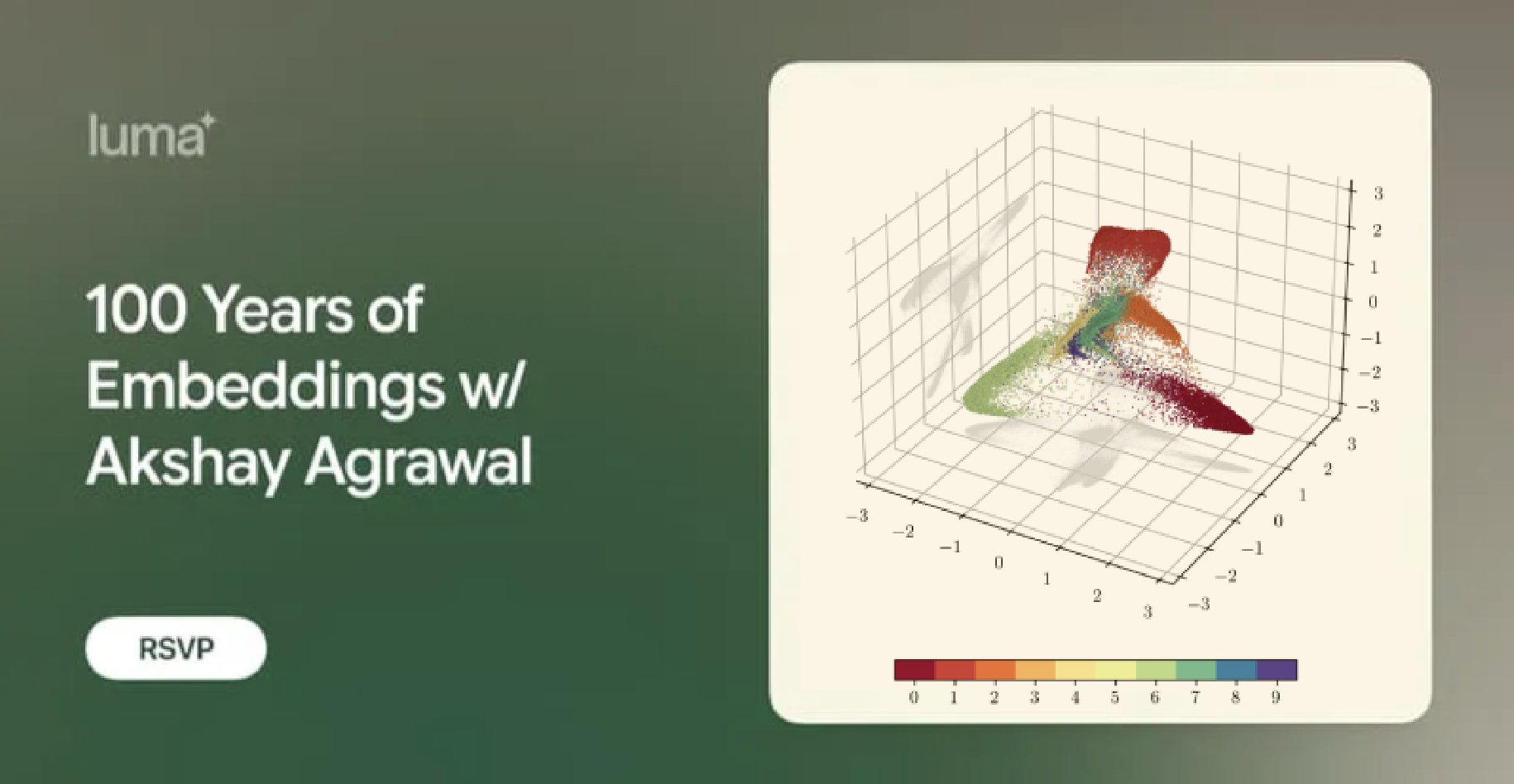
#How 100 years of embeddings led to marimo
Join us for a virtual talk on Friday February 13th 11AM PT to learn how Akshay’s PhD thesis — a framework for vector embedding that unifies over 100 years of embedding methods — ultimately led to the to the creation of marimo.
This talk is hosted by alphaXiv.
#Learn the fundamentals of modern AI with marimo
We’re partnering with CMU professor Zico Kolter on a free online version of the Modern AI Course, which teaches you how to train large language models from scratch.
Every week from now through May, we will publish marimo notebooks that supplement the course lectures, as well as homework notebooks that you can work through.
Here are few sample notebooks:
Browse the full course material on GitHub, and watch the repo to get notified when new material drops.
If you’re an educator who needs help adopting marimo, don’t hesitate reply to this email or reach out on Discord. Be sure to check out the homework notebooks to see how marimo’s built-in pytest integration improves the learning experience for students.
Join the Discord to follow along →
#Reimplementing research papers as marimo notebooks
Our very own Vincent has been hard at work reimplementing key ideas from research papers in marimo notebooks. marimo’s unique blend of prose, code, and interactive elements makes it a very good tool for experimenting with new ideas and learning new concepts. Here are two examples from our YouTube:
- Reimplementing GDPO in a marimo notebook, with a shoutout to alphaXiv [molab]
- Can an LLM unlearn Harry Potter? [molab]
#molab improvements
We’ve been hard at work improving the user experience of molab. Here are some enhancements we’ve released:
Fast startups: notebooks now start up much faster, with previews of code and outputs appearing almost instantly.
Fast package installs: packages now install much faster on molab.
Packaging: molab notebooks use our built-in package sandboxing, documenting
their packages in the notebook file itself. You can even run molab notebooks locally
with marimo edit --sandbox <molab-notebook-url>.
Rich GitHub previews: GitHub previews of
marimo notebooks now render Markdown and LaTeX. If you commit the
__marimo__/session/ directory to your repository, these previews will also
show saved outputs (example
Share notebooks as apps: Append /app to molab notebook’s URL to
share/view it as an interactive read-only app (support for GitHub preview links
coming soon) (example).
If you haven’t used molab in a while, please give it a try and let us know what you think!
#New features in marimo open source
We shipped four releases since the last newsletter. Here are the highlights.
#PDF Export
You can now export notebooks to PDF from the editor’s notebook menu, or from the CLI:
marimo export pdf notebook.py -o notebook.pdf#Anywidget improvements
We’ve improved our support for anywidget, which powers custom UI plugins in marimo, across the board. To prove it, here are 10 million points rendered with interactive selections (try it on molab!):
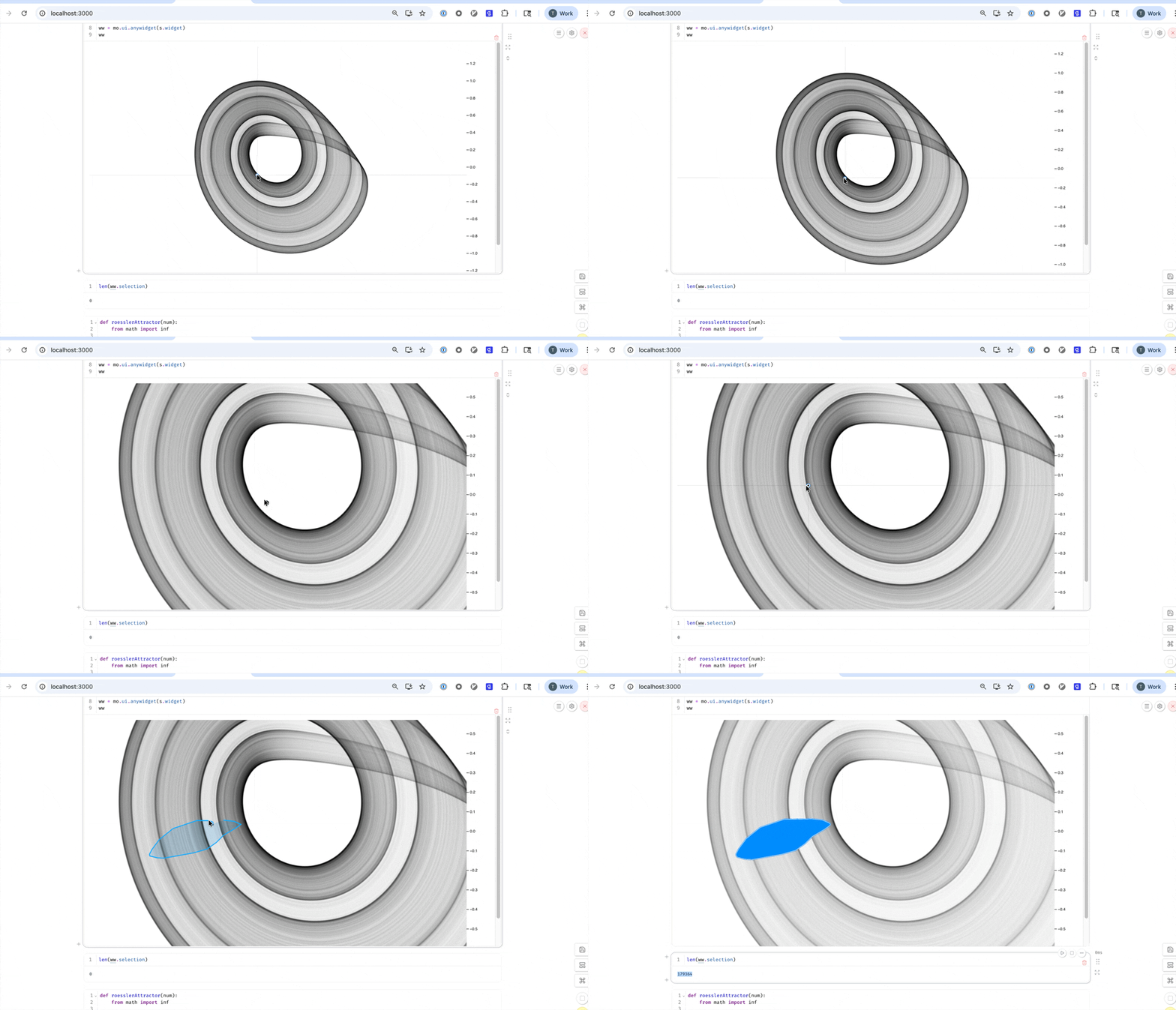
Anywidgets now render in static HTML exports with client-side
interactivity preserved, and mo.state setters work in widget callbacks.
#Serve notebook galleries
Serve multiple marimo notebooks as a browsable gallery using marimo run with a
folder or multiple files:
marimo run notebooks/Gallery cards display rich previews with customizable OpenGraph metadata, and you
can auto-generate thumbnails with marimo export thumbnail.
#Attach images to AI prompts
The “Generate with AI” feature now accepts image attachments. Drop in a mockup, screenshot, or diagram as visual context for code generation.

#Other highlights
- Improved CLI help with colors and bold formatting for better readability
- Pandas 3.0 compatibility
See the full changelogs for 0.19.7, 0.19.8, 0.19.9, and 0.19.10.
#marimo JupyterHub Extension
We released the marimo-jupyter-extension, a JupyterLab extension that brings marimo’s reactive notebooks into existing Jupyter infrastructure.
With this extension, you can:
- Launch marimo directly from JupyterLab’s launcher
- Open
*_mo.pyfiles in marimo with a double-click, or right-click any.pyfile to edit with marimo - Convert
.ipynbfiles to marimo format with a right-click - Select Python environments when creating notebooks, with PEP 723 metadata for reproducibility
- Deploy with JupyterHub — works with existing authentication and spawners
Install it with:
uv pip install 'marimo[sandbox]>=0.19.8' marimo-jupyter-extensionThis is a big step toward making marimo accessible in enterprise and institutional environments that rely on JupyterHub. We are looking for early adopters to test the extension and provide feedback.
#🍃 Community
We’re at 1M+ monthly downloads, 19k+ GitHub stars, 230+ GitHub contributors, 8k+ YouTube subscribers, 3500+ Discord members — join the conversation! We also launched a subreddit, come by and share your work!
Here are some uses and mentions of marimo in the wild that we found particularly inspiring.
- PyTorch Monarch at GPU Mode. Allen Wang built a series of interactive marimo notebooks teaching distributed computing with PyTorch Monarch, with an accompanying video walkthrough
- MaReader: open data files in marimo from VS Code. A new VS Code extension by Jesse Hartman that opens Parquet files directly in marimo notebooks with Polars — no more binary gibberish in your editor
- MarimoCAD. Interactive 3D CAD modeling in marimo — parametric models with reactive sliders that update 3D geometry in real-time using build123d and three-cad-viewer
- Math to Lampshade. Hessam Mehr made a marimo notebook that designs 3D-printed lampshades from mathematical curves
- Slidev + marimo. Luis Chaves Rodriguez combined Slidev presentations with marimo islands for interactive, Python-powered slides
- ECE 350. University of Toronto’s Semiconductor Electronic Devices course uses marimo notebooks to visualize semiconductor physics
- Teaching with marimo. Alexandru Maxiniuc created interactive marimo notebooks for teaching linear functions, geometry, and statistical analysis
- Microsoft Eval Recipes. Microsoft’s eval-recipes library for evaluating AI agents features marimo notebooks
- marimo for interactive memory forensics. Learn how to build custom memory analysis tools with the modern Python data ecosystem in DeathCon, a workshop by Kyrre and Anja
- Interactive matplotlib selections. We generated some buzz on r/datascience with a new interactive element that lets you map matplotlib selections back to Python.
- Roots of perturbed quadratic equations. Simone Conradi shared a molab app showcasing roots of perturbed quadratic equations.
- CoreWeave ARENA. CoreWeave launched ARENA, an AI production-readiness lab for testing ML workloads — powered by marimo notebooks
Don’t forget to submit your projects to our awesome-marimo repo!
Sincerely,
marimo team 🍃