SQLite and DuckDB
by marimo team
How to run SQLite directly, and from within DuckDB, using marimo SQL cells.
About this notebook
This notebook queries a SQLite database from marimo SQL cells in two ways. It first downloads the Chinook sample database as a SQLite file with requests. A SQL cell attaches the file to DuckDB in read-only mode. Later cells connect to the same file directly through a SQLAlchemy engine.
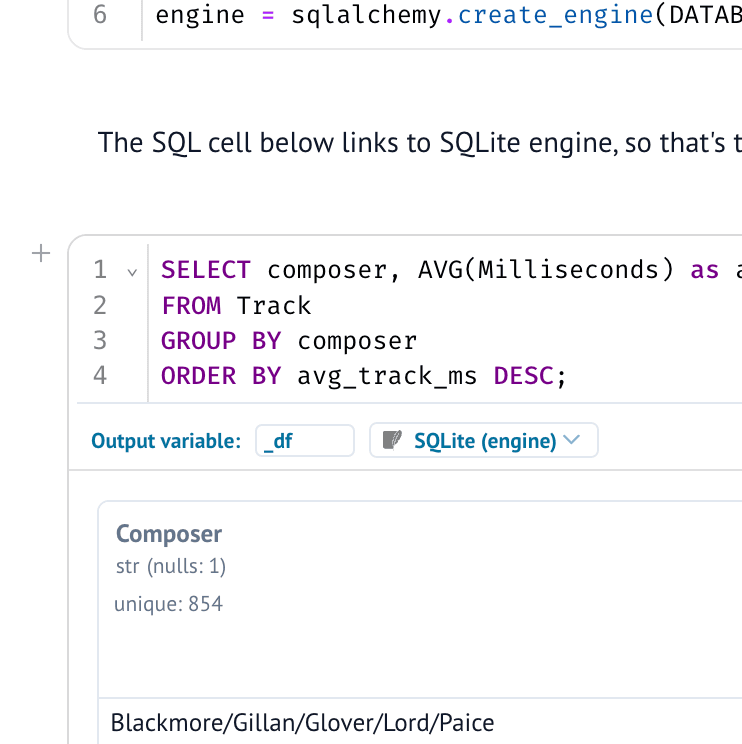
Each SQL cell runs its query and shows the result as a data table. One query lists every table in the attached database. Another groups the Track table by composer and computes the average track length in milliseconds. A collapsible tip explains how to create SQL cells, and the data sources panel in the left sidebar shows the schema of every table.
The DuckDB path and the SQLAlchemy path run the same composer query, so you can compare the two backends. DuckDB uses MEAN and SQLite uses AVG for the same aggregate. The DuckDB cell detaches the database before it attaches it, so the cell also works when you run it again.