Depth Anything V2
by marimo team
Upload a photo and visualize relative depth as a colorized map and interactive 3D point cloud.
About this notebook
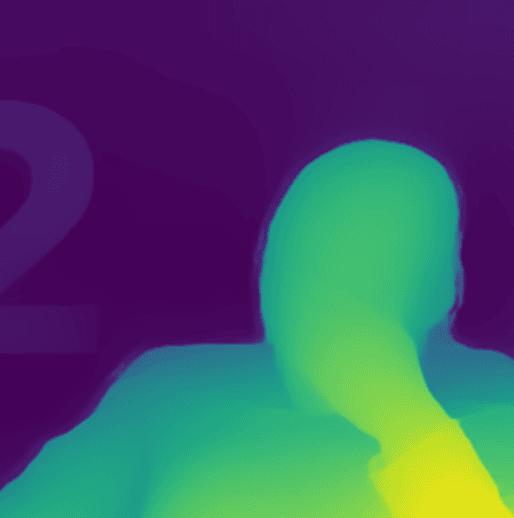
This notebook runs the Depth Anything V2 model on a photo and shows a relative depth estimate. It uses the Hugging Face transformers depth- estimation pipeline with the model depth-anything/Depth-Anything-V2-Small- hf. It also uses torch, numpy, Pillow, and matplotlib. If you upload no photo, the notebook reads a default image named depth-demo-image.png. The brightness in the depth map is normalized per image, so read it as relative structure and not metric distance.
You upload a photo with a file button. Sliders set the maximum side length, the point count, and the depth scale. A dropdown picks the matplotlib colormap. A checkbox inverts the depth. The notebook shows the resized input next to the colorized depth map. It then builds a 3D point cloud with the wigglystuff ThreeWidget, and you can rotate the view. A metadata block reports the model, the device, the inference size, and the raw depth range.
The notebook checks for a CUDA GPU first, then for Apple MPS, and it uses the CPU if neither is present. It caches the loaded pipeline with mo.cache, so a device change does not reload the model each time. It resizes the image with LANCZOS resampling before inference. The point cloud subsamples pixels with a stride based on the requested point count.