Drag and Drop
by marimo team
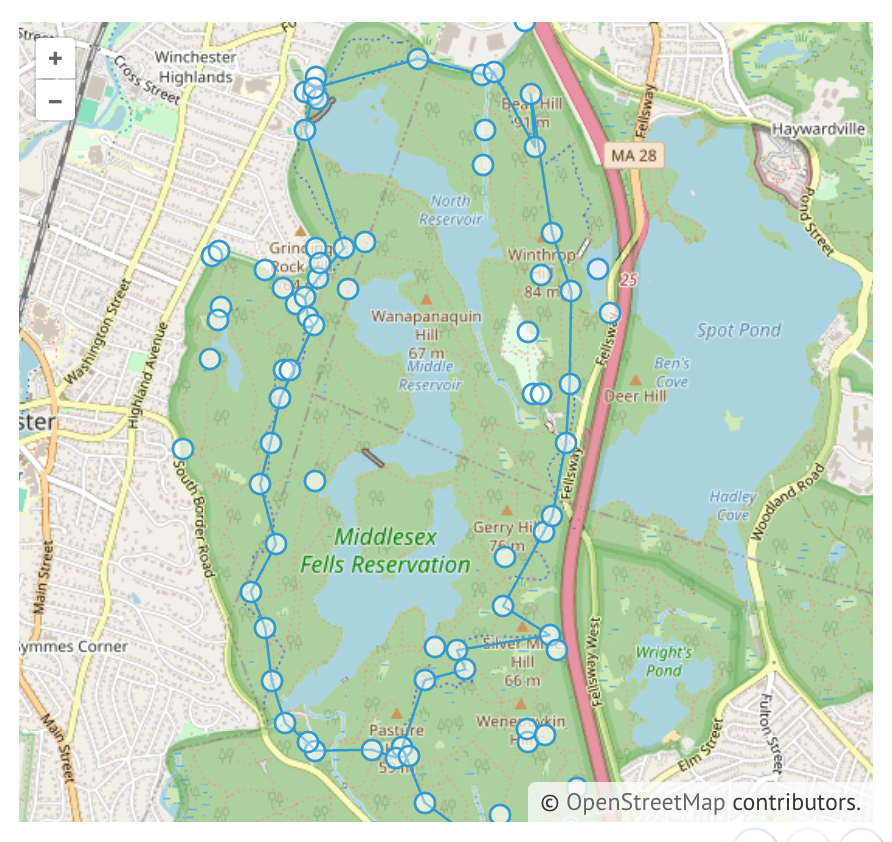
Drag and drop GPX, GeoJSON, KML or TopoJSON files on to the map.
About this notebook
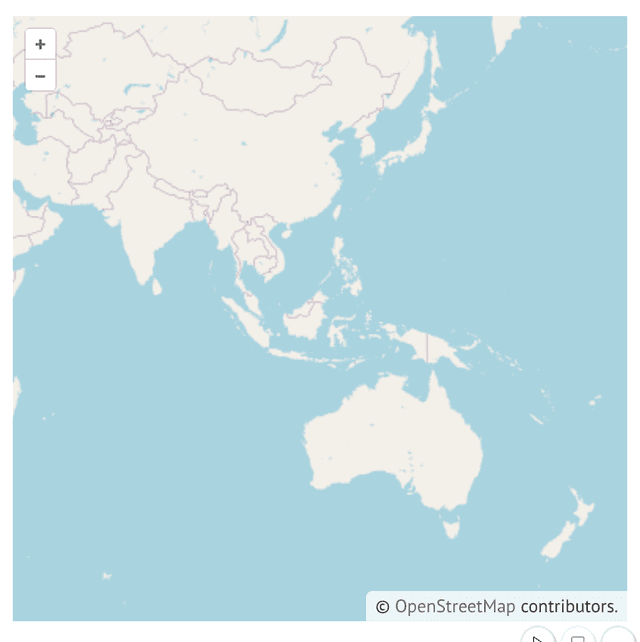
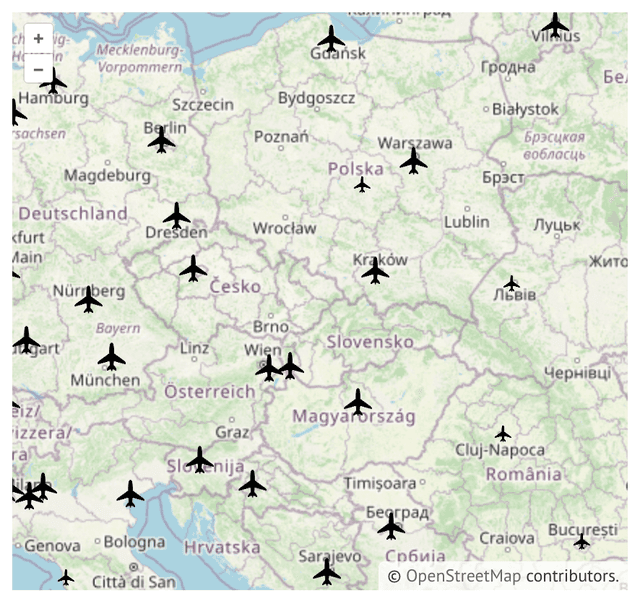
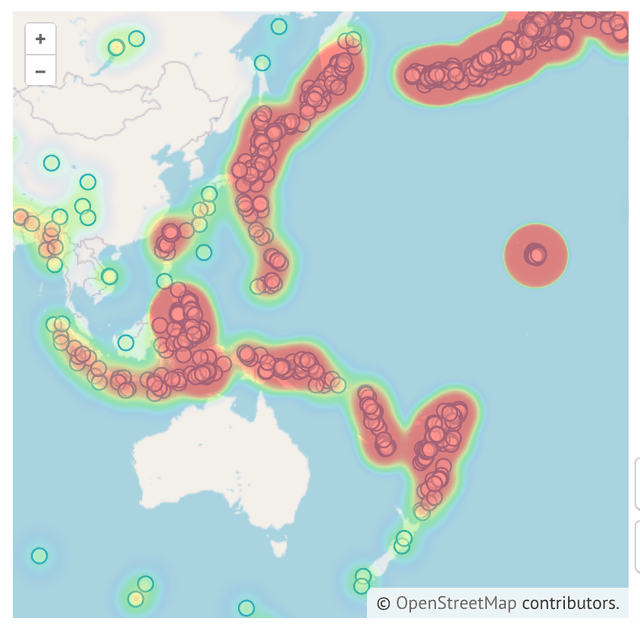
This notebook creates an interactive map with the openlayers Python package and marimo. The map starts empty. You add data to it with your own files: drag a GPX, GeoJSON, KML, or TopoJSON file from your computer and drop it on the map. The notebook links to four sample files from the OpenLayers examples site, including US state boundaries as KML and Seoul roads as GeoJSON.
The map is a marimo widget. One cell creates an ol.MapWidget, a second cell calls its add_drag_and_drop_interaction method, and a third cell displays the widget as its output. That one method call is all the code the drag and drop behavior needs.