Recursive Images
by marimo team
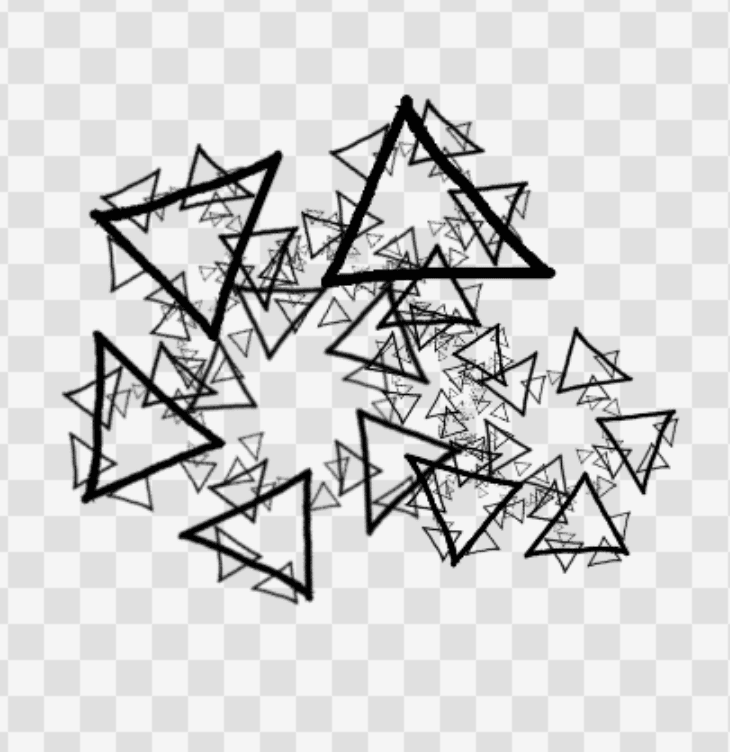
Draw a shape, place copies of it as a rule, and render the recursive fractal.
About this notebook
This notebook builds recursive images with an iterated function system. You draw a parent shape in a Paint widget from the wigglystuff package. You then place child copies of the parent in a second widget. Each child has a position, a scale, and an angle. The set of children is the recursive rule. The notebook uses marimo, NumPy, and Pillow, and it inlines a custom anywidget for the rule.
You drag, scale, and rotate each child to set the rule. Four controls change the render. A depth slider sets the number of recursion levels. Two noise sliders add random jitter to the angle and the size of each child at every level. A dropdown sets the background to transparent, white, or black. marimo runs the render cell again when you change a control, so the image updates as you work.
The render applies each child as an affine transform of the current image with Pillow and composites the copies with alpha. It repeats this step once per depth level, and draws fresh random noise values from a NumPy generator at each level. A transparent background shows as a checkerboard so the alpha reads. The rule-authoring widget lives in an appendix cell as a self-contained anywidget, so the notebook is a single file.