Convolution Explorer
by marimo team
Interactive exploration of 2D image convolution kernels with real-time side-by-side previews.
About this notebook
This notebook applies a convolution kernel to a grayscale image. It uses scipy for the convolve2d function and NumPy for the kernel arrays. It loads sample images from scikit-image, including Astronaut, Camera, Coins, Cat, and Coffee. You can also load your own image from a URL with Pillow. The notebook shows preset kernels such as Box Blur, Gaussian Blur, Sharpen, Edge Detect, Emboss, and the Sobel X and Sobel Y filters. Matplotlib draws the images.
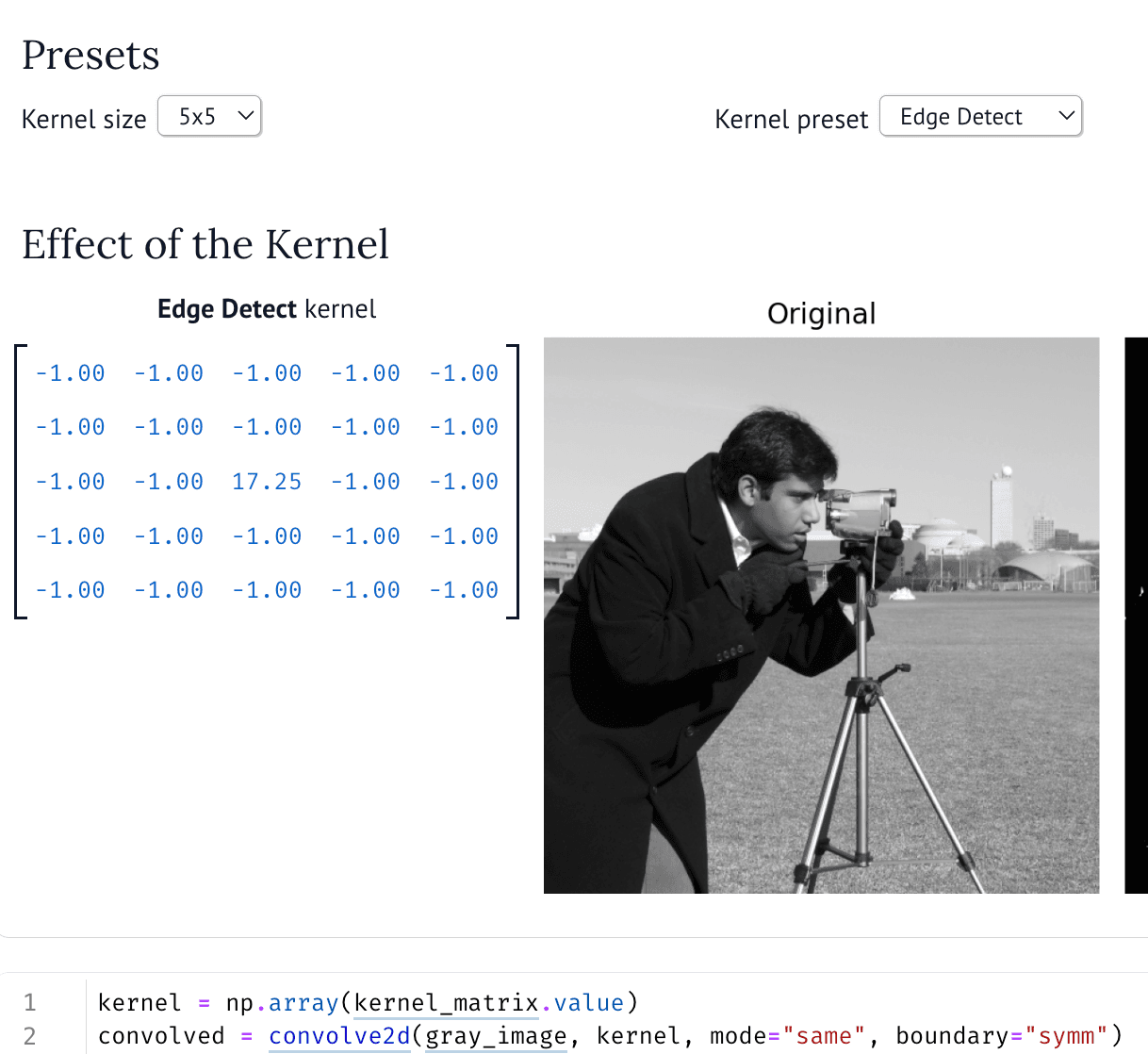
You choose the kernel size from a dropdown, either 3x3 or 5x5. You then pick a preset from a second dropdown. An editable matrix widget shows the kernel values. You can change any number in the matrix directly. You also pick the source image from a dropdown. The notebook then shows the original image and the convolved image next to each other. Each change updates both images.
The convolution runs with mode "same" and a symmetric boundary. The result is clipped to the range 0 to 1 before the display. The sample images come from the scikit-image data module. Color images are converted to grayscale first. A custom URL image is read over the network, opened with Pillow, and converted to a grayscale array.