HTMLRefreshWidget
by marimo team
Render dynamic HTML content that auto-refreshes.
About this notebook
This notebook shows the refreshable widgets from the wigglystuff library. It uses marimo, matplotlib, numpy, polars, and mohtml. The widgets are ImageRefreshWidget, HTMLRefreshWidget, and ProgressBar. The notebook does not read a fixed dataset. Instead it generates random numbers with Python's random module and plots their cumulative sum. A refresh_matplotlib decorator wraps a plot function and returns a base64 string. The mohtml img function then places this string inside an HTML image tag.
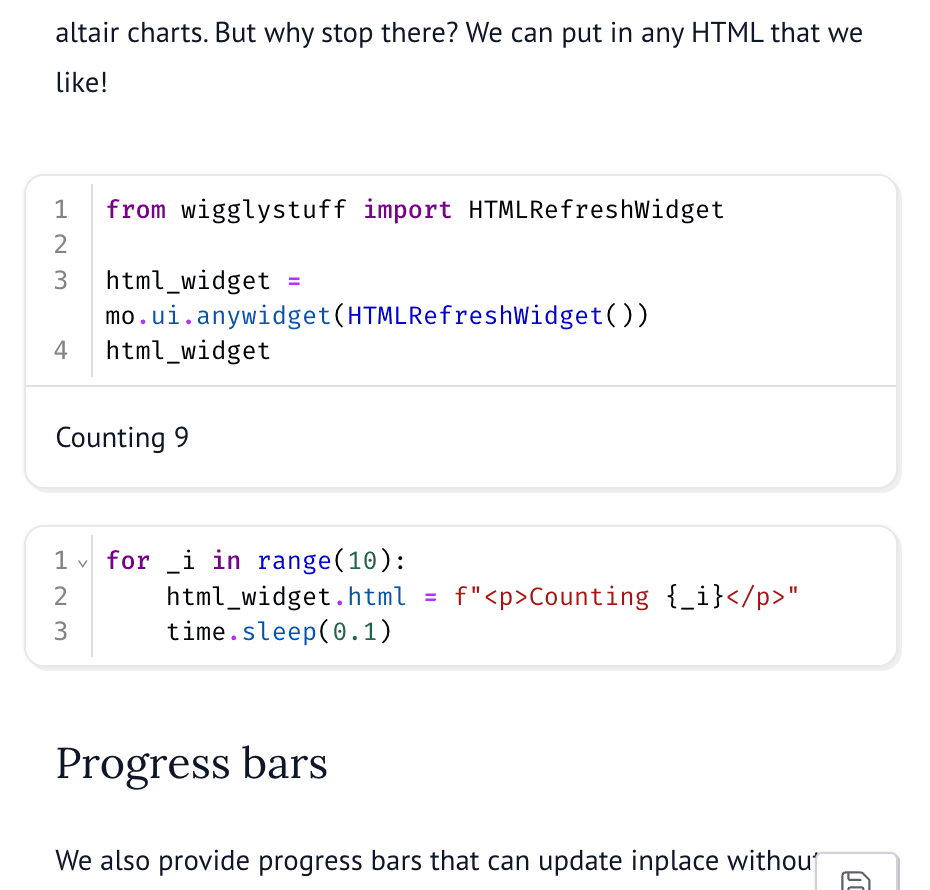
The reader triggers updates by running a separate cell. That cell sets a property on the widget in a loop. For the ImageRefreshWidget the code assigns a new chart to widget.src twenty times with a short pause. The reader sees the line chart grow as each new random value arrives. The HTMLRefreshWidget accepts any HTML string, so one loop writes a counter that counts from zero to nine. The ProgressBar updates its value in place across one hundred steps.
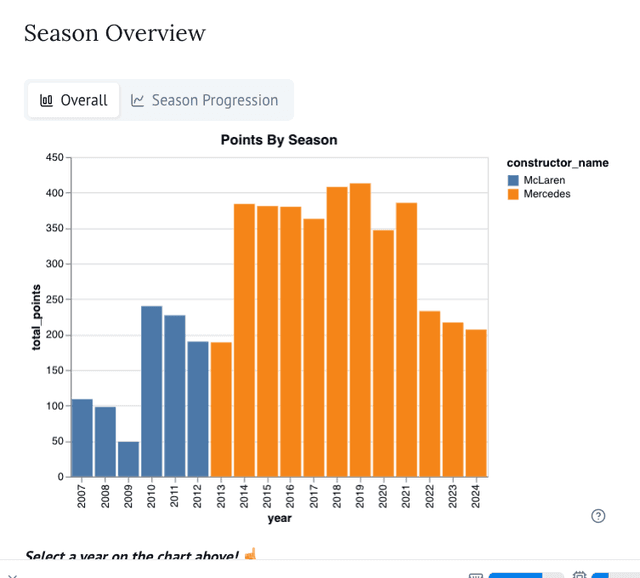
The altair section runs as a static SVG chart, not as live matplotlib output. The notebook shows this code but does not run it. The authors note that the SVG conversion needs a dependency that WASM cannot load. The altair demo may run locally but can break on the GitHub Pages deployment. The ProgressBar can update from another cell, which the base marimo progress bar does not allow.